
<label
  v-for="(item, i) in radioGroup.items" :key="i">
<input
  class=""
  type="radio"
  :name="radioGroup.field"
  v-model="radioGroup.value"
  :value="item.key"
  />
  {{ item.name }}
</label>
<!--
radioGroup:the json of the radios.
radioGroup.items:the json of every radio item.
radioGroup.field:the field of the radio used.
radioGroup.value:the value of the radioGroup.
item.key:the key of every radio item.
item.name:the name of every radio item.

-->相关文章
开发
· 1 分钟阅读
Codex+Hyperframes:如何用一句话做一个产品介绍视频
用Codex+Hyperframes插件,只需一句话就能生成产品介绍视频,告别繁琐的视频制作流程。
开发
· 1 分钟阅读
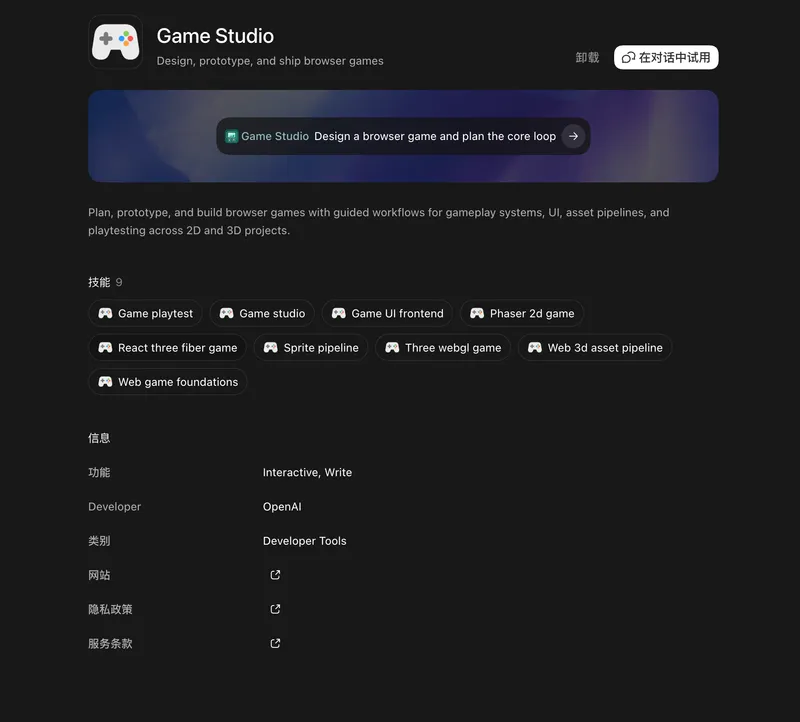
Codex+Game studio:做游戏的好工具
推荐使用Codex+Game Studio插件制作浏览器小游戏,涵盖2D和3D游戏开发体验,以及基于Phaser引擎的实践分享。
开发
· 2 分钟阅读
如何使用AI UI Designer生成漂亮的UI和原型
介绍AI UI Designer的最新迭代功能,包括AI生成UI的手动编辑、统一设计系统,以及从规划到导出的完整设计工作流程。