
Introduction to Addons
As the WordPress AI Generator plugin grows in features, it has accumulated a lot of functionality — some users heavily need certain features, while others have no use for them at all. But right now, all of these features are crammed into a single plugin. At the same time, there are countless niche requirements that leave us wrestling with whether to implement them or not.
After much deliberation, the Addons mechanism became the best practice to solve this problem.
What Are WordPress Plugin Addons?
If you use WordPress frequently, you’ve probably noticed that many plugins offer addons that you can install based on your needs.
Addons are plugins for your WordPress plugins.
Of course, addons are themselves WordPress plugins too. However, addons typically depend on a parent plugin and cannot be installed or used independently.
On-Demand Installation
For a feature-rich WordPress plugin, using addons accomplishes two things at once: it keeps the main plugin lightweight for the majority of users, while also satisfying various niche needs through individual addons.
Users simply install the addons they need.
Compliant Paid Plugin Monetization
Currently, the WordPress plugin marketplace does not allow plugins that lock features behind a paywall. There are three main approaches to monetizing a plugin:
-
Standalone Premium Plugin
This is how many premium plugins worked in the past. A free lite version is listed on the WordPress plugin directory to attract users.
If users want the advanced, full-featured version, they go to the plugin’s official website to purchase and download the premium package.
Then they install the premium version, which overwrites the free version.
-
Paid Addons
This is arguably the best practice for premium plugin monetization. The main plugin is free on the WordPress marketplace, and users can install paid addons directly within the plugin. After installation, they activate the addon using a purchased license key.
-
SAAS Model
WordPress plugins don’t have to make money by selling the plugin itself. Selling a service is also a viable path — this is the SAAS approach.
The plugin listed on the WordPress marketplace is completely free, and revenue comes from API-based services such as storage, AI processing, etc.
The current WordPress AI Generator plugin is a textbook example of the SAAS model. The plugin itself is free, but users need a paid subscription for credits to generate content via the AI API.
Going forward, the WordPress AI Generator plugin will add an Addons system on top of the SAAS model, gradually introducing both free and paid addons.
How the Addons System Is Implemented
Technical Implementation
In simple terms, addons leverage WordPress’s hook system to create extension points within the main plugin, along with a corresponding API. Addons then integrate with the main plugin through these APIs and extension points.
User Installation Methods
Some plugins go the extra mile by providing remote installation and updates, much like WordPress’s built-in plugin management.
Others skip this layer — users need to download the addon from the plugin’s website, then install and activate it manually in their WordPress admin panel.
独立产品人日记
Notes on indie products, AI tools, growth, and engineering.
Related Articles
Codex + Hyperframes: Make a Product Video with One Sentence
Using the Codex + Hyperframes plugin to generate a product introduction video with just one prompt — no more painful video editing.
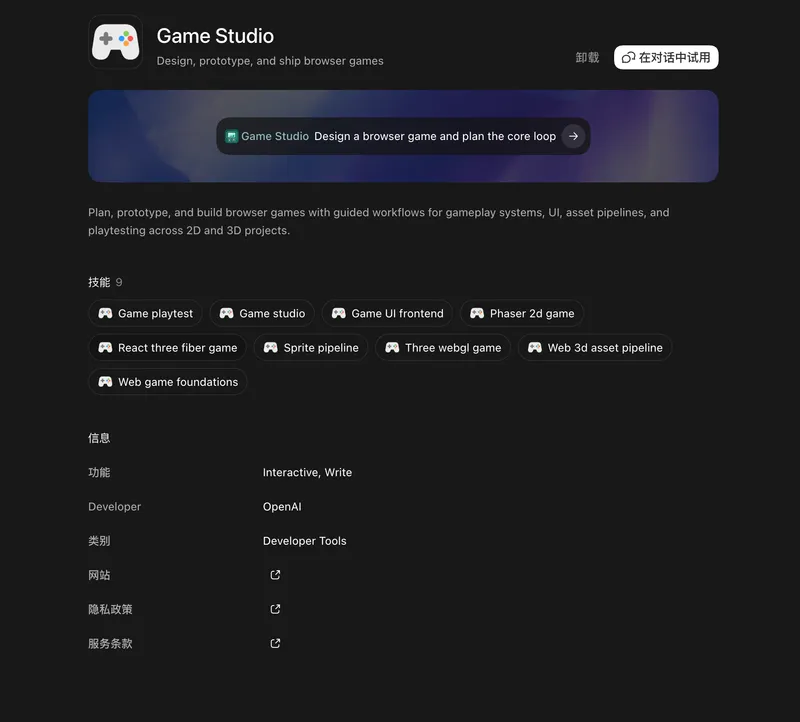
Codex + Game Studio: A Great Tool for Making Games
Hands-on experience with Codex's Game Studio plugin for browser game development — covering 2D games with Phaser, 3D experiments, and why this combo stands out.
The Key to AI Agents Is How to Make AI Perform Better
Using the HTML vs JSON architecture decision for an AI UI Designer as a case study, this article argues that in the AI era we must abandon old best practices and design products around one core principle: how to let AI do its best work.