
If you’re building an AI SaaS, having a solid product demo video can make a real difference — whether you’re driving traffic from various platforms or trying to boost conversion rates.
The problem is, making such a video has always been a hassle. So I kept putting it off.
Today, I tried using Codex with the Hyperframes plugin to make a product intro video. With just one sentence — “make a product intro video for this project” — and there it was.
Here’s the intro video for aiuidesigner.com — take a look:
About Hyperframes
Hyperframes is a Codex plugin that generates HTML first, then converts it to video — it doesn’t call a video generation model. It’s well-suited for product demo videos, explainer videos, and the like.
To install Hyperframes in Codex, just search for it in the plugin marketplace and hit install.
Prerequisites
Getting a product video generated from a single prompt requires a few things:
-
A landing page — Your project should at least have a homepage with some product introduction content.
-
Product screenshots — You can have multiple; Codex picks the most relevant ones.
With those in place, open Codex, select your project directory, choose the Hyperframes plugin, and type: make a product intro video for this project.
Wait a bit, and your product intro video is ready.
On the first run, it may download a TTS engine for audio generation and install ffmpeg for video composition.
独立产品人日记
Notes on indie products, AI tools, growth, and engineering.
Related Articles
Codex + Game Studio: A Great Tool for Making Games
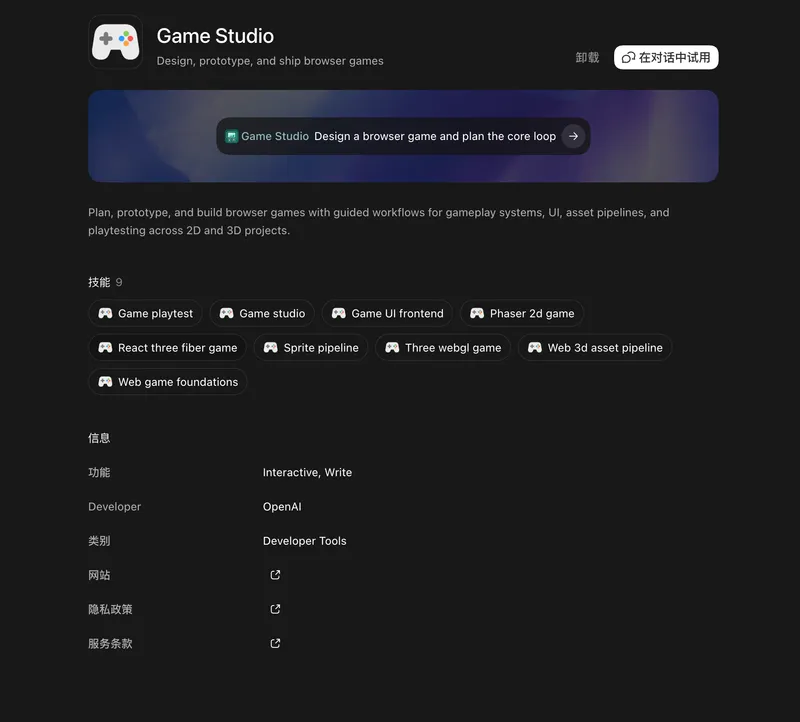
Hands-on experience with Codex's Game Studio plugin for browser game development — covering 2D games with Phaser, 3D experiments, and why this combo stands out.
The Key to AI Agents Is How to Make AI Perform Better
Using the HTML vs JSON architecture decision for an AI UI Designer as a case study, this article argues that in the AI era we must abandon old best practices and design products around one core principle: how to let AI do its best work.
AI Agents Don't Have to Be Chat
Exploring practical UI forms for AI Agent frameworks—beyond chatbots, forms, step-by-step wizards, and other UI patterns for different scenarios and user experiences.