
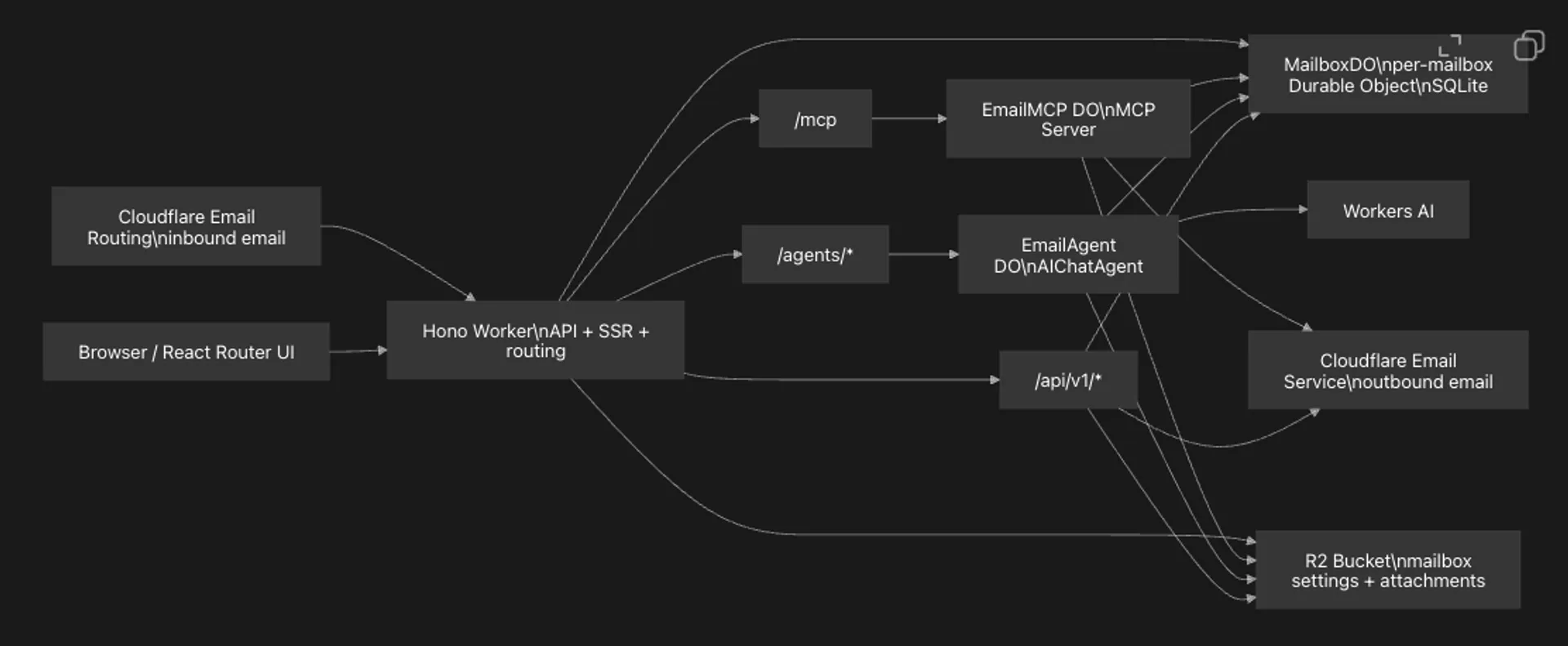
AI-generated flowcharts are generally not great to look at
Generating a flowchart with AI is easy. But no matter which model you use, the result often looks like this:
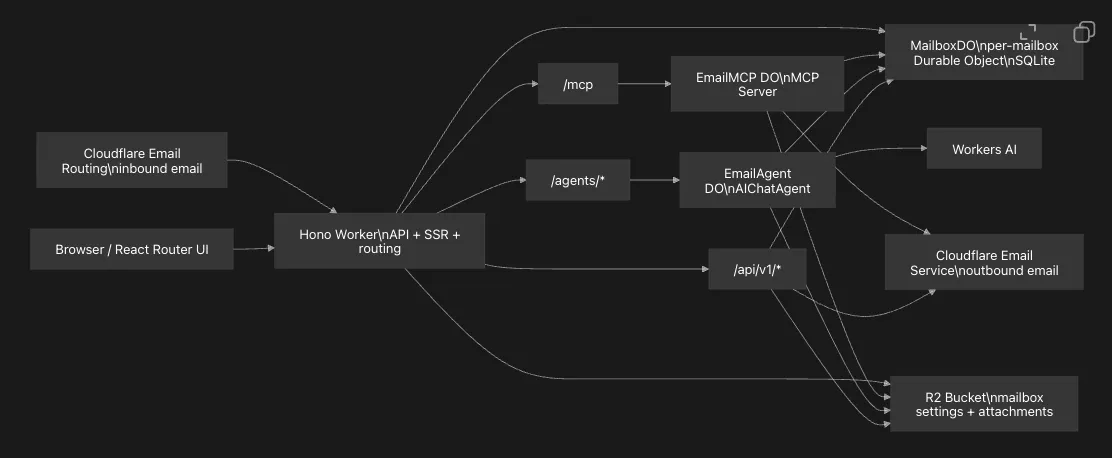
This might be fine for personal reference, but if you need to present it in a meeting, it’s a bit embarrassing.
Introducing Ease Chart
Ease Chart is an AI-powered tool specifically designed for generating and editing flowcharts. It can create standard flowcharts, swimlane diagrams, business process diagrams, data flow diagrams, program flowcharts, system flowcharts, lightweight BPMN, workflow diagrams, state machine diagrams, decision trees, and more.
More importantly, the flowcharts it generates actually look good — good enough to bring to any meeting.
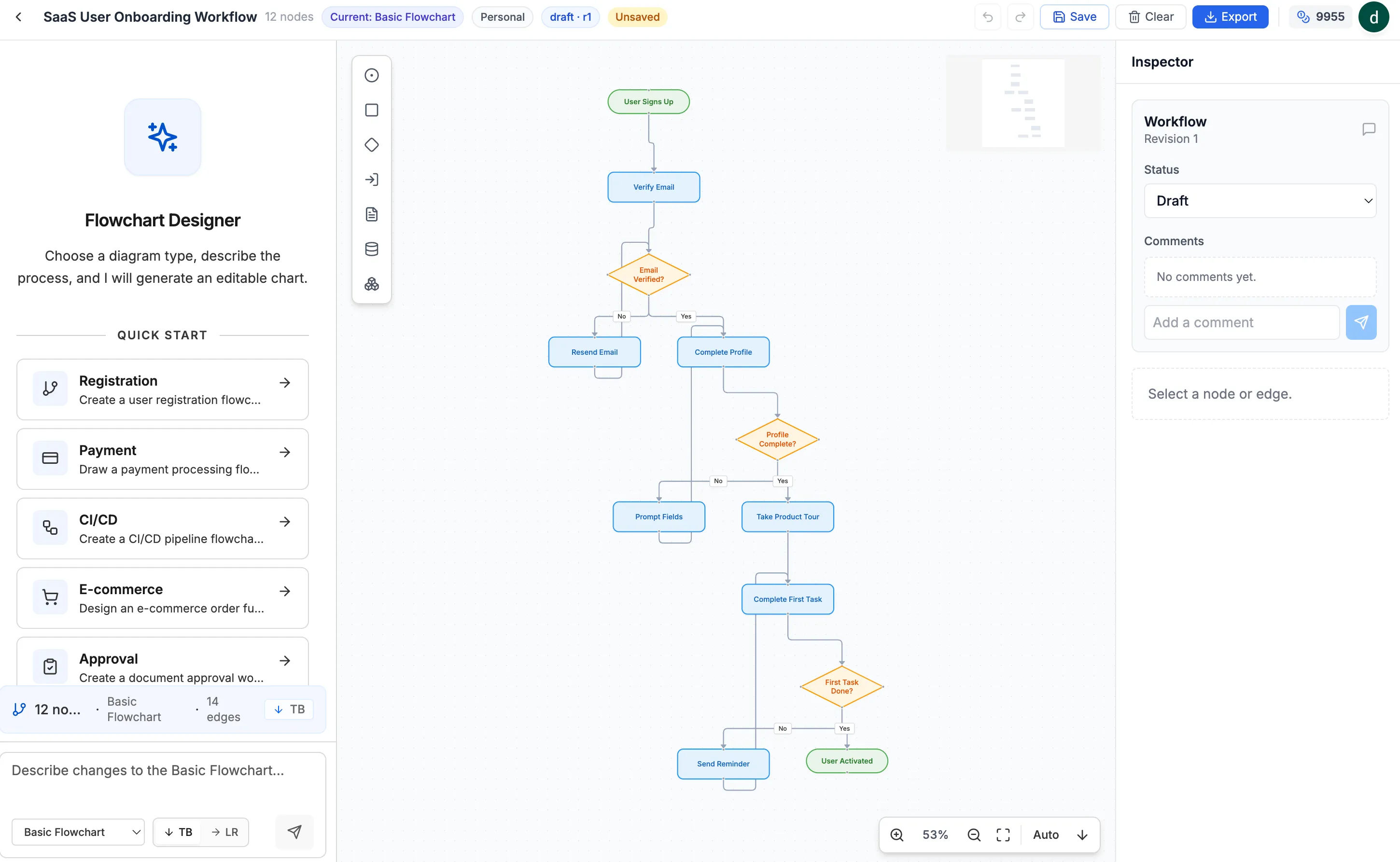
There are two ways to use Ease Chart.
Option 1: Generate or modify with AI
No matter how complex the process, you can draw it in seconds.
Option 2: Manual editing, no AI needed. Free.
Ease Chart is built on top of a full-featured flowchart editor. So you can completely ignore the AI and create beautiful flowcharts entirely by hand.
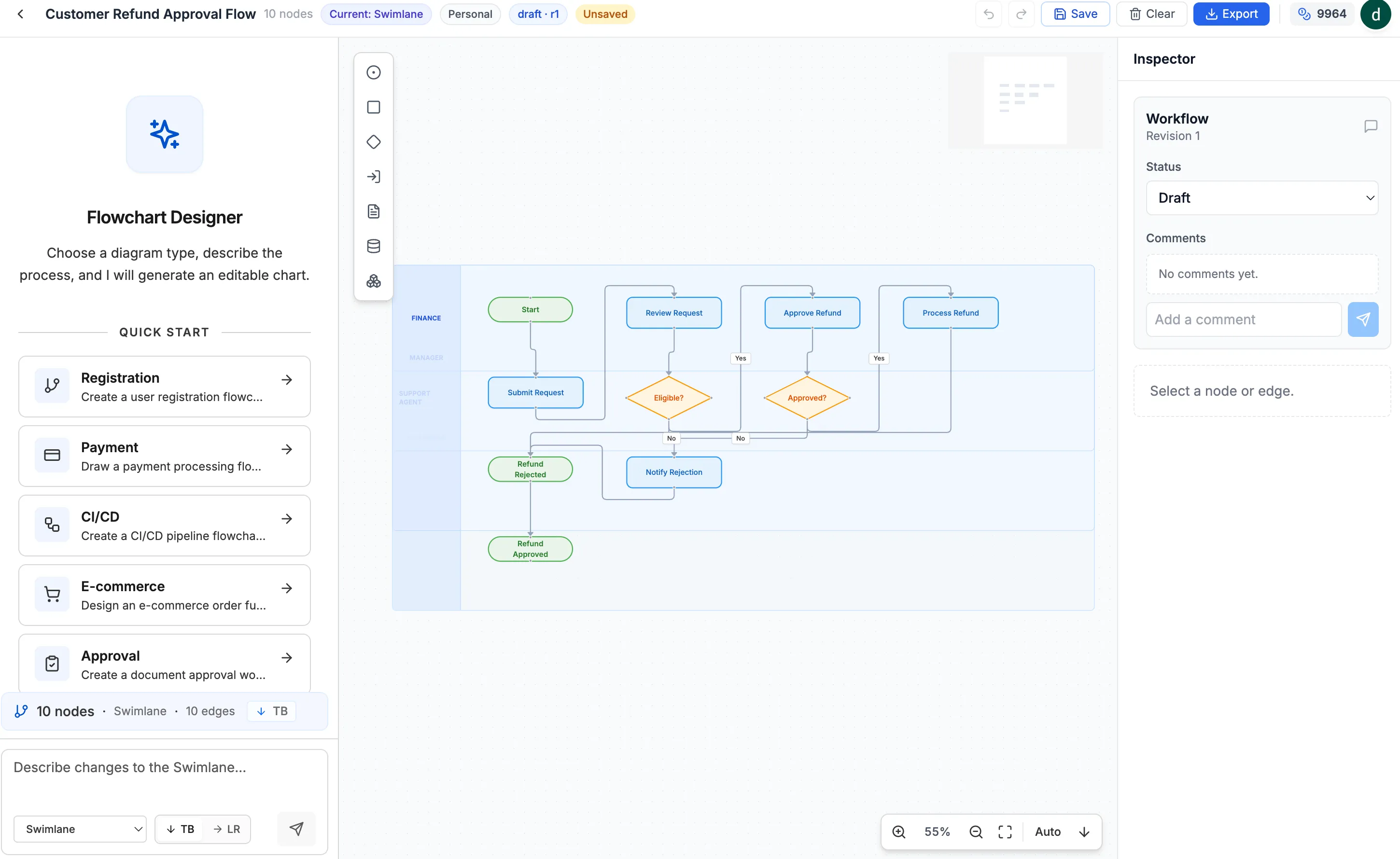
And if you don’t use the AI features, it’s completely free — unlike traditional flowchart editors that require payment upfront.
独立产品人日记
Notes on indie products, AI tools, growth, and engineering.
Related Articles
How to Create an AI Agent-Friendly Project
Four practical ways to make a software project easier for AI agents to understand and modify: structure, naming, directory depth, and project conventions in AGENTS.md.
Codex + Astro: The Best Combo for Creating and Publishing Content
Generate text, images, video, and 3D content with Codex, then publish instantly to the web with Astro. This is the most efficient content creation and publishing workflow for the AI era.
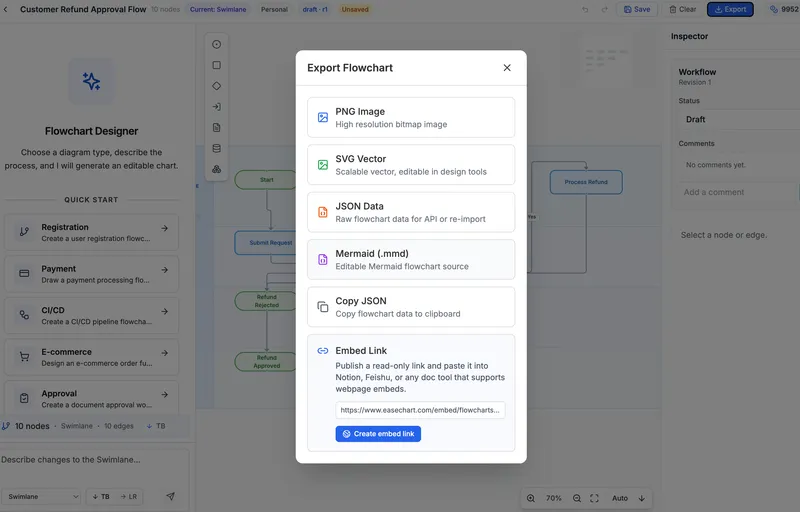
EaseChart: How to Embed AI-Generated Flowcharts into Notion
After creating a flowchart in EaseChart, you can generate an embed link and insert it directly into Notion, Feishu, and other popular online document tools.