
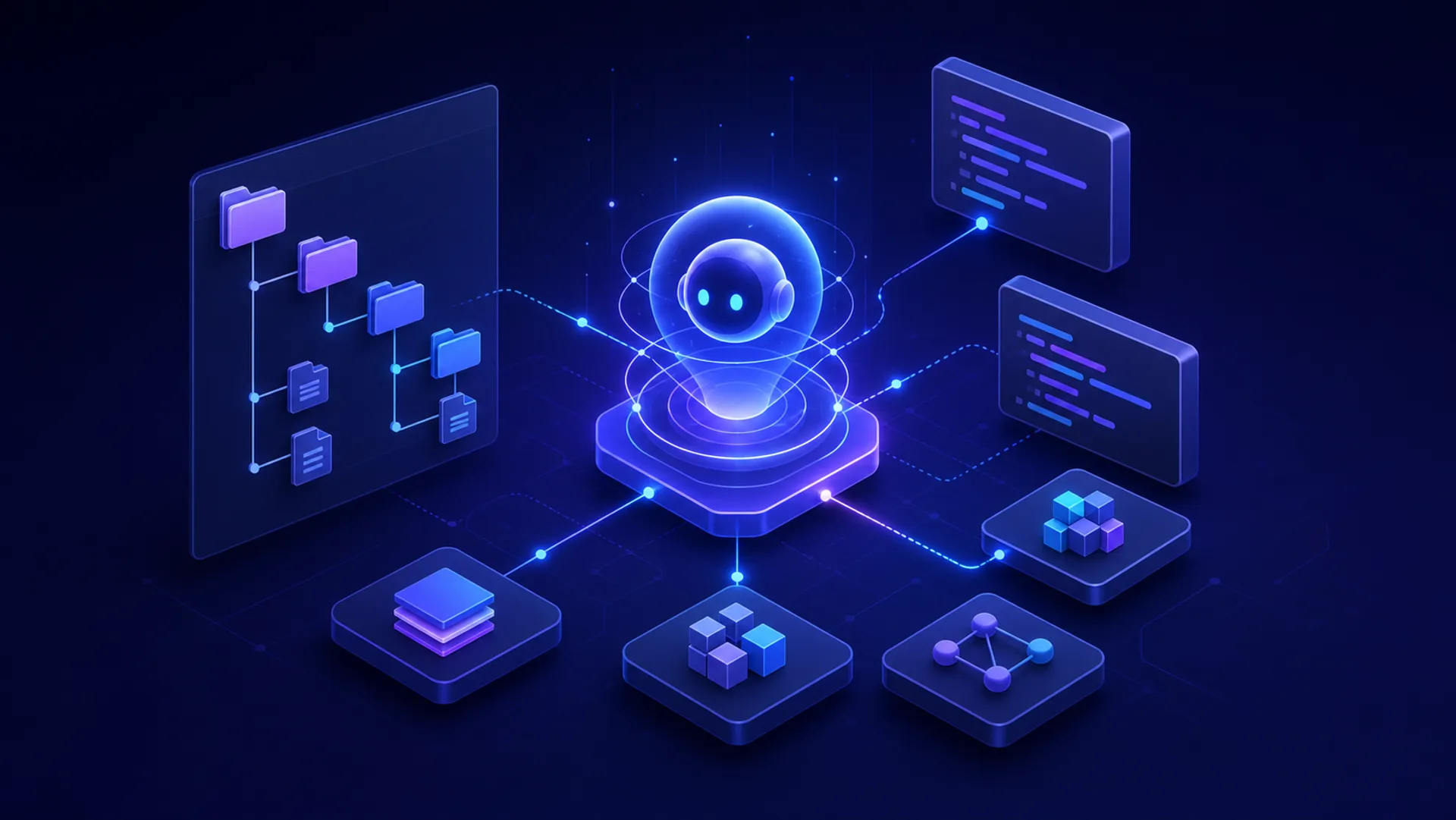
Recently, I used Codex to modify a template in a PHP project. To my surprise, it was not something I could finish in a few quick steps. It ended up taking several days.
For a moment, I even wondered whether my Codex, powered by GPT-5.5 and GPT-5.6, had regressed to the web version of ChatGPT from 2023.
Many details—font sizes and CSS effects, for example—had to be changed individually. Sometimes even a single small adjustment required several rounds of conversation.
By contrast, the Next.js sites I have built recently went remarkably smoothly. Starting from scratch, I could get the main functionality done with almost a single prompt, then create a homepage, add multilingual support, and launch. The whole process took only a few hours.
That is the difference between projects that are friendly to AI agents and those that are not.
Here is what I have learned about making a project AI agent-friendly.
1. Prefer Structure Over Fragmentation
Compared with frontend frameworks such as Next.js, PHP projects are often more fragmented, especially older ones.
Fragmentation is difficult for AI reasoning. It is easy for an AI agent to miss things, so the result often contains all kinds of small problems. Scattered CSS definitions are a good example: when building a page, it is hard for the AI to account for every one of them.
In a highly structured project, an AI can reason more cohesively without being distracted by many disconnected pieces. The result tends to be higher quality and contains fewer issues. For example, a Next.js project can define a single global stylesheet that every page and component relies on. If styles are instead fragmented across individual pages and components, many details will also need repeated adjustment.
2. Prefer Clear Semantics Over Arbitrary Names
Arbitrary parameter names and filenames can easily cause AI agents to misunderstand the code. Once the AI misunderstands something, a chain of problems can follow. Using pinyin for filenames and parameter names can create the same issue.
3. Keep the Directory Structure Shallow
The deeper the directory structure, the more complex the relationships between files and folders become for an AI agent. They are harder to process, and files deep in the tree are often overlooked.
4. Define Conventions in AGENTS.md
Defining conventions in AGENTS.md (CLAUDE.md for Claude Code) can substantially improve an AI agent’s effectiveness and make it easier to get better results.
For example, GPT-5.6 currently likes to use restrictive SQL constructs such as foreign keys and CHECK constraints. I prefer not to put business rules at the data layer: database tables should simply store and retrieve data, while restrictions belong in the control layer. So I wrote a database-design convention in AGENTS.md. Now, when Codex writes SQL, it follows the approach I prefer.
独立产品人日记
Notes on indie products, AI tools, growth, and engineering.
Related Articles
Codex + Astro: The Best Combo for Creating and Publishing Content
Generate text, images, video, and 3D content with Codex, then publish instantly to the web with Astro. This is the most efficient content creation and publishing workflow for the AI era.
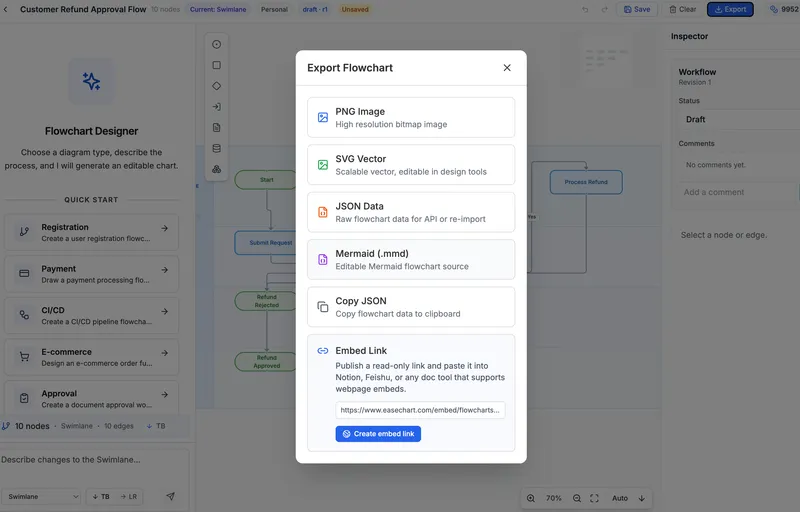
EaseChart: How to Embed AI-Generated Flowcharts into Notion
After creating a flowchart in EaseChart, you can generate an embed link and insert it directly into Notion, Feishu, and other popular online document tools.
EaseChart: How to Import, Edit, and Export Mermaid Flowcharts
Mermaid (.mmd) is a universal text-based format for describing flowcharts and diagrams. This post shows how to import .mmd files into EaseChart for visual editing, and export your flowcharts as Mermaid format for seamless interoperability.