
What Is Mermaid (.mmd)?
Mermaid (with the .mmd extension) is a text-based format for describing flowcharts, mind maps, and other diagrams using standardized syntax.
Think of it like Markdown — Markdown describes formatted text, Mermaid describes diagrams.
Mermaid is a universal format supported by many flowchart and mind map tools.
This means that when EaseChart (www.easechart.com) supports Mermaid export, any flowchart you create can be exported as Mermaid text and used in other diagramming tools.
For example: MindNode, XMind, and more.
How to Import Mermaid Flowcharts
Go to https://www.easechart.com/mermaid
Paste your Mermaid text into the input area, click the convert button, and the Mermaid diagram will be imported directly into the editor, where you can edit it visually and use AI-powered editing.
How to Export Mermaid Flowcharts
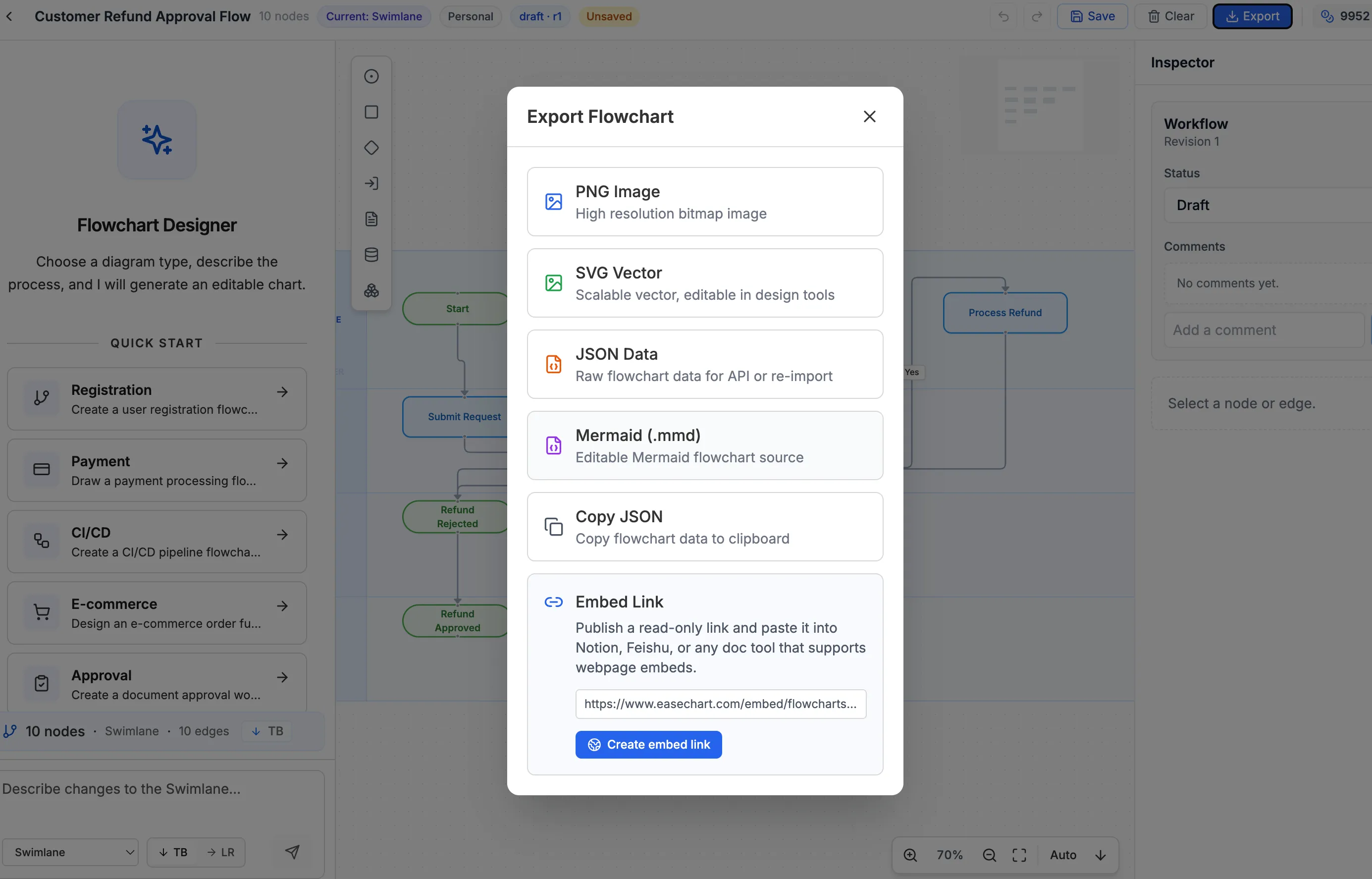
In the editor, click the export button in the top-right corner and select the Mermaid format. The flowchart will be downloaded as an .mmd file.
EaseChart: The Best Way to Edit Mermaid Flowcharts
Most Mermaid editors share a common problem — you can only edit the flowchart by editing the raw Mermaid text. You can’t drag elements, edit text directly, or use visual controls.
EaseChart solves this with full visual editing capabilities, making it much more convenient.
独立产品人日记
Notes on indie products, AI tools, growth, and engineering.
Related Articles

How to Create an AI Agent-Friendly Project
Four practical ways to make a software project easier for AI agents to understand and modify: structure, naming, directory depth, and project conventions in AGENTS.md.
Codex + Astro: The Best Combo for Creating and Publishing Content
Generate text, images, video, and 3D content with Codex, then publish instantly to the web with Astro. This is the most efficient content creation and publishing workflow for the AI era.
EaseChart: How to Embed AI-Generated Flowcharts into Notion
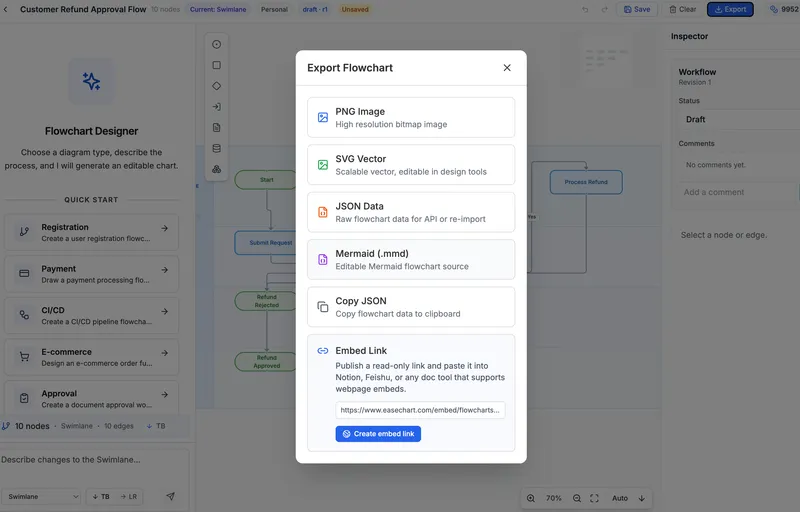
After creating a flowchart in EaseChart, you can generate an embed link and insert it directly into Notion, Feishu, and other popular online document tools.