
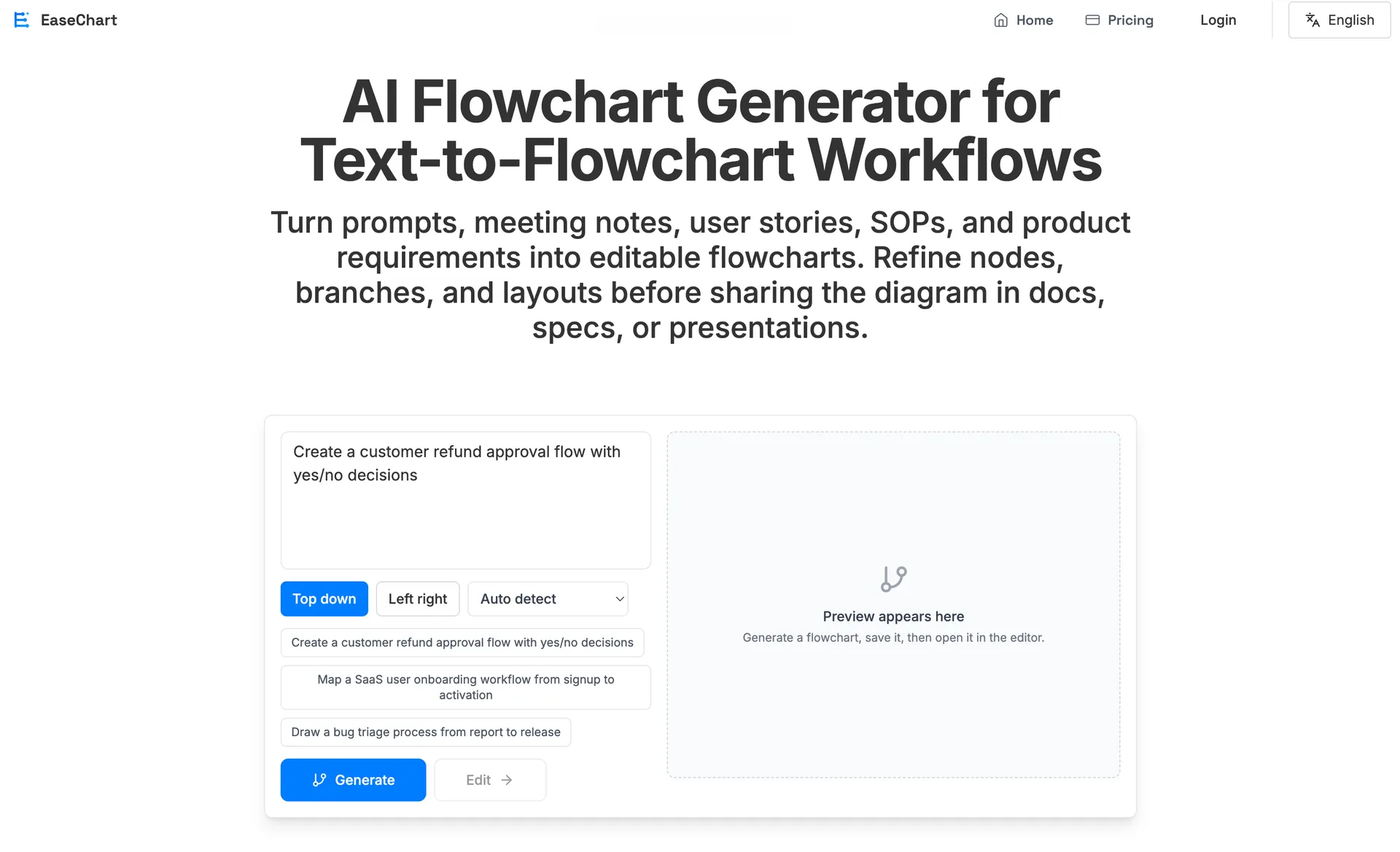
Introduction to EaseChart
EaseChart is an AI flowchart generator. It can be used to create many kinds of diagrams, including standard flowcharts and swimlane diagrams. For product managers, developers, and teams building SOPs, it is a very useful tool.
Creating flowcharts is often tedious and time-consuming for product managers and developers. With EaseChart, you can basically generate a flowchart with a single prompt, and then edit it freely.
EaseChart is built around an AI Agent designed specifically for flowchart generation, and the output quality is quite good.
How to Use EaseChart
Create and Edit Flowcharts
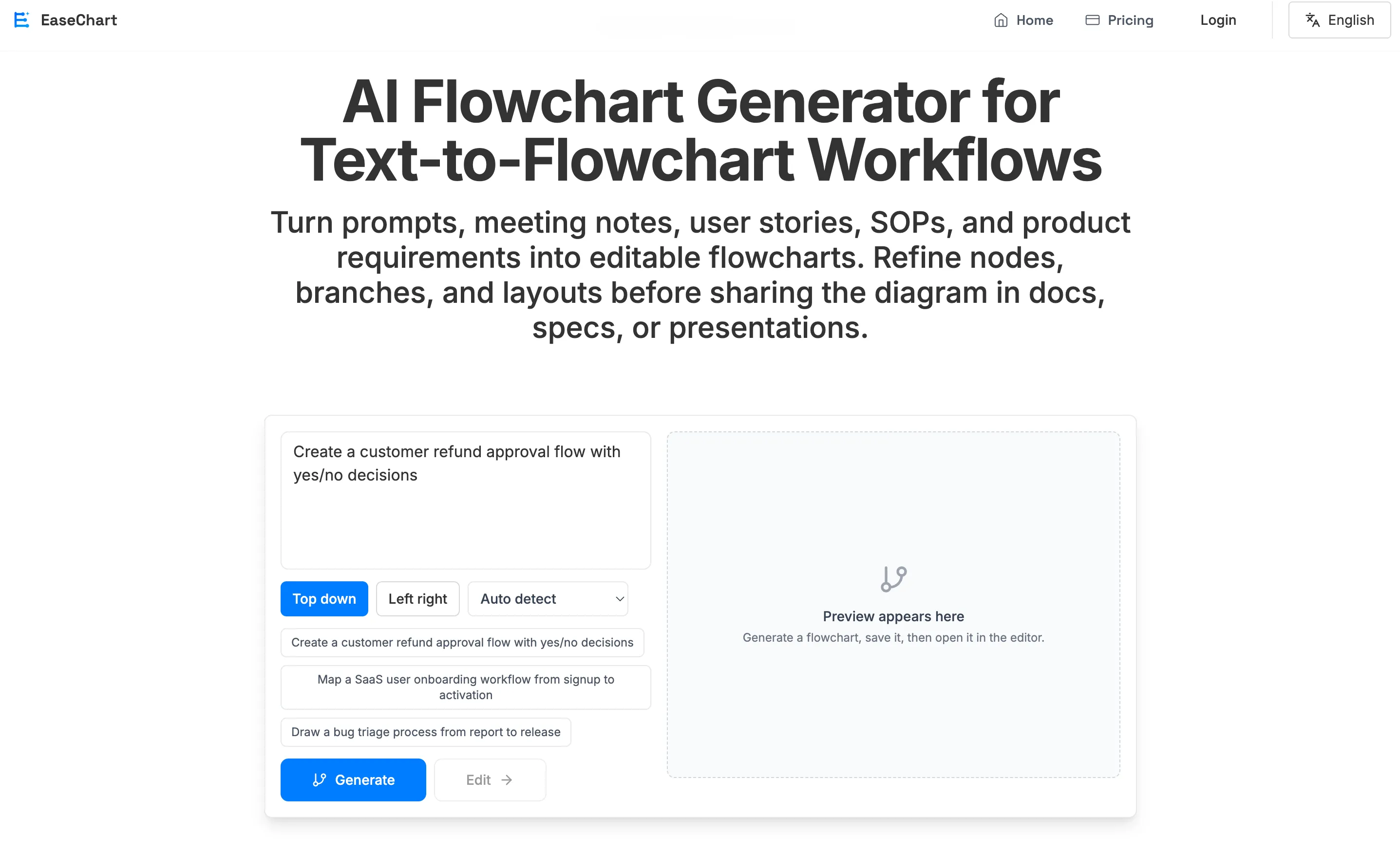
Using EaseChart is simple. On the homepage, enter a prompt, choose the flowchart type, and generate it with one click. After generation, you can preview the result on the right side of the generator. To edit it, click the edit button to enter the editor page.
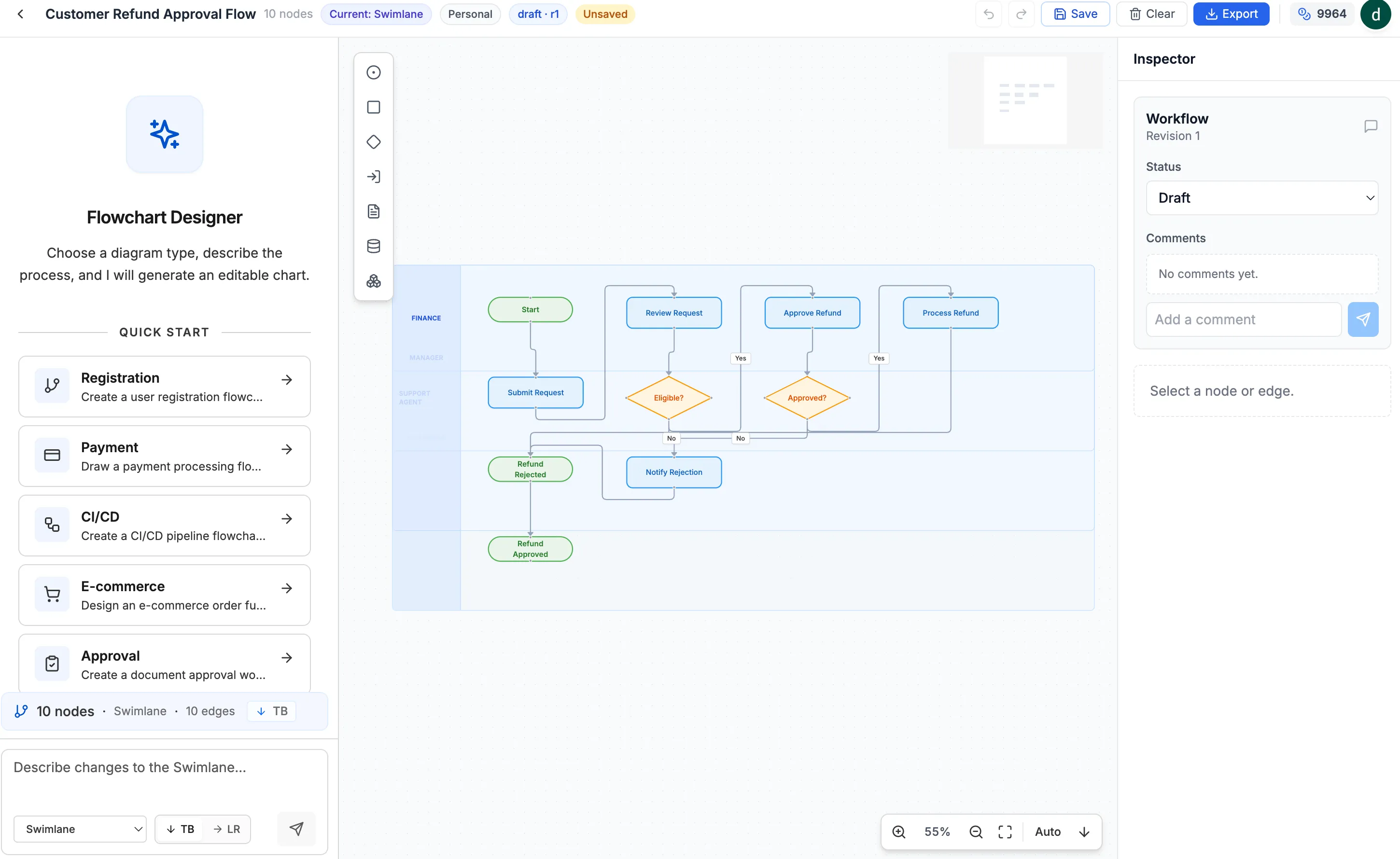
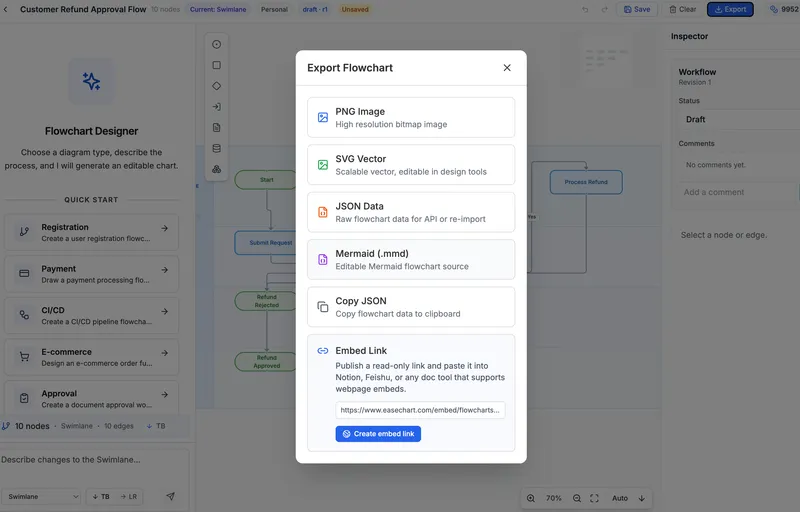
In the editor, you can manually edit the flowchart just like using a regular flowchart editor. You can also use the AI Agent on the left side to modify the flowchart.
Team Collaboration
EaseChart supports team collaboration.
On the Teams page, you can create a team and invite team members.
For flowcharts created inside a team, other team members can be granted permission to view, comment, or edit.
This makes collaboration much easier.
独立产品人日记
Notes on indie products, AI tools, growth, and engineering.
Related Articles

How to Create an AI Agent-Friendly Project
Four practical ways to make a software project easier for AI agents to understand and modify: structure, naming, directory depth, and project conventions in AGENTS.md.
Codex + Astro: The Best Combo for Creating and Publishing Content
Generate text, images, video, and 3D content with Codex, then publish instantly to the web with Astro. This is the most efficient content creation and publishing workflow for the AI era.
EaseChart: How to Embed AI-Generated Flowcharts into Notion
After creating a flowchart in EaseChart, you can generate an embed link and insert it directly into Notion, Feishu, and other popular online document tools.