

Many people now use Codex as their daily go-to agent. I’ve been relying on Codex heavily over the past few months too.
Codex has a 5-hour usage limit and a weekly usage cap. Since I tend to use it quite heavily, I often burn through the 5-hour limit in just an hour or two. So I’ve had to find ways to save tokens and make the most of what’s available.
1. Speed Mode
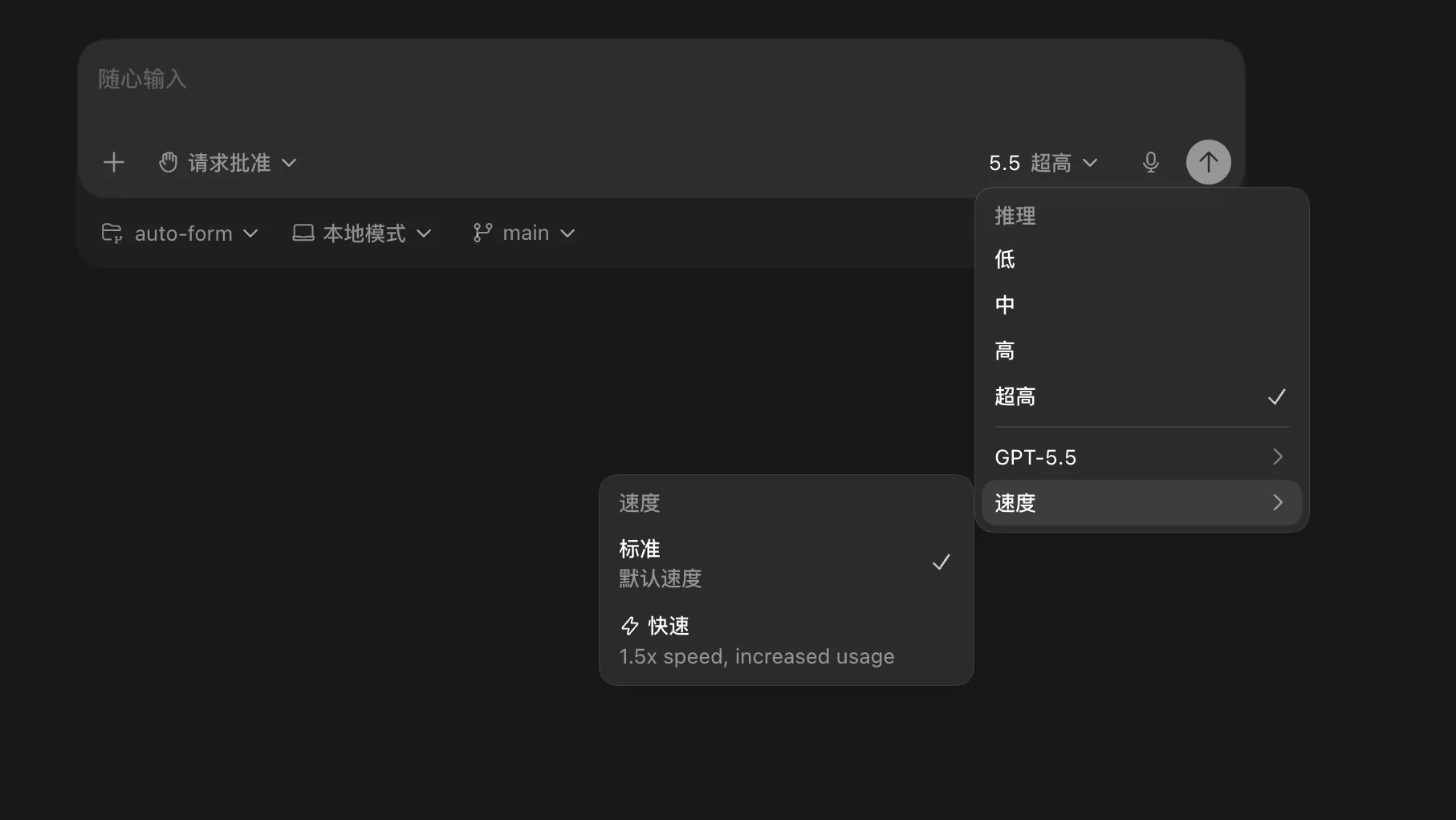
Codex seems to default to fast mode.
Fast mode delivers quicker responses, saving you time. The catch is that it consumes 1.5x the tokens compared to standard mode.
But fast mode only gives you faster responses — it doesn’t produce more output for the same token count.
So unless you’re in a hurry, stick with standard mode.
2. Reasoning Level
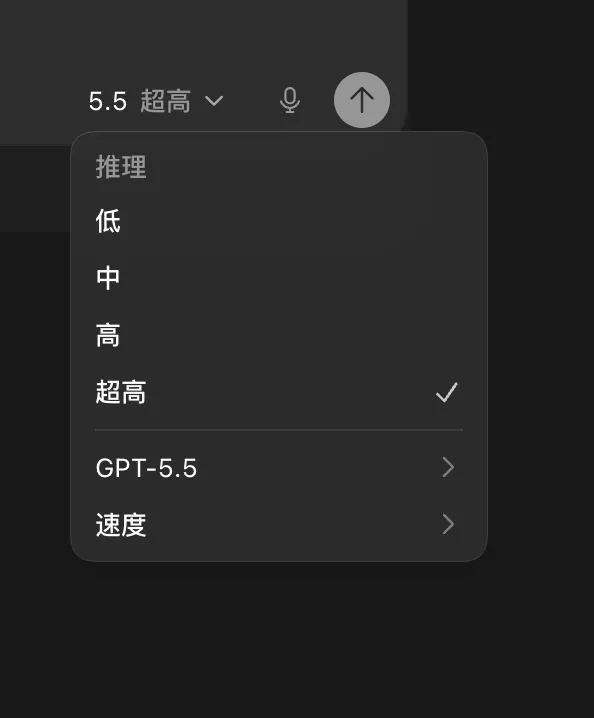
I used to always pick the best model by habit, which meant always setting reasoning to “ultra high.” That’s one of the main reasons my token consumption was so high.
But after using it extensively, I’ve found the best practices are:
- Writing articles: “Medium” is enough. “High” or “Ultra high” doesn’t produce noticeably better results.
- Coding most of the time: “High” is sufficient. “Ultra high” is rarely necessary.
- Complex logic: Only use “Ultra high” when you’re building something with non-trivial logic.
- Project analysis / recommendations: “Ultra high” can be worth it here, since you want the best possible answer, and this type of task typically doesn’t consume many tokens.
- Automation scenarios: “Low” works well. These tasks follow predefined patterns and don’t need much reasoning.
Matching the reasoning level to the task won’t hurt the final result — and it will save you a decent amount of tokens.
3. Don’t Let a Conversation Run Too Long
A lot of people (myself included sometimes) let a single conversation go on for dozens of turns. But this not only burns through tokens — the quality of the AI’s responses tends to degrade as the conversation gets longer.
So keep your conversations short. It saves tokens and improves the quality of the output.
独立产品人日记
Notes on indie products, AI tools, growth, and engineering.
Related Articles

How to Create an AI Agent-Friendly Project
Four practical ways to make a software project easier for AI agents to understand and modify: structure, naming, directory depth, and project conventions in AGENTS.md.
Codex + Astro: The Best Combo for Creating and Publishing Content
Generate text, images, video, and 3D content with Codex, then publish instantly to the web with Astro. This is the most efficient content creation and publishing workflow for the AI era.
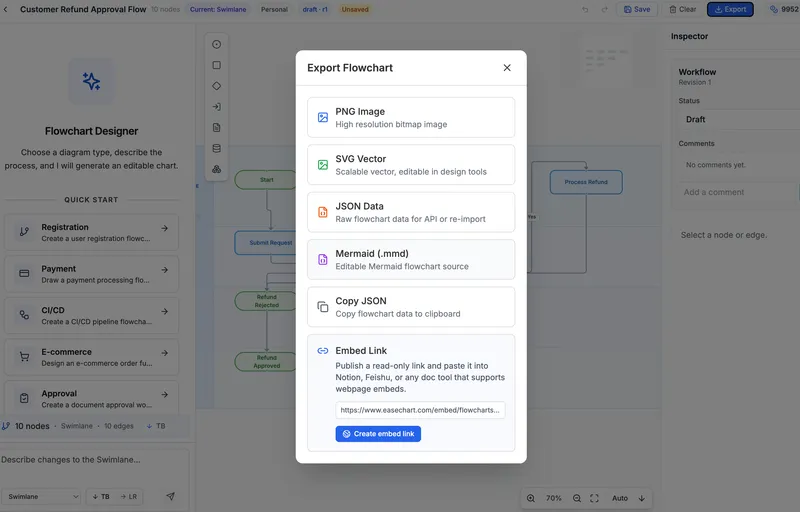
EaseChart: How to Embed AI-Generated Flowcharts into Notion
After creating a flowchart in EaseChart, you can generate an embed link and insert it directly into Notion, Feishu, and other popular online document tools.