
AI UI Designer’s Skills
Recently, www.aiuidesigner.com launched its own Skills system.
As an AI Agent, it finally has a skill system of its own.
Now, experienced UI designers can have this AI Agent design UIs based on their own expertise.
How to Use AI UI Designer’s Skills
Using a Skill
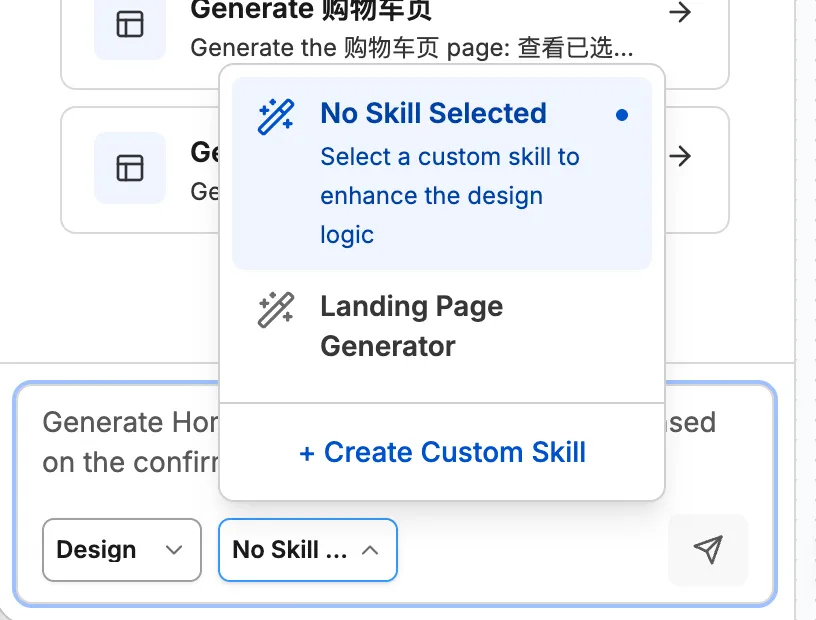
Using a skill in AI UI Designer is simple. In the chat panel on the left side of the designer page, the input area has a Skills selector — just pick the skill you want to use.
It doesn’t use progressive disclosure or prompt-based invocation. The main consideration is that once users have many skills, it’s easy to accidentally trigger one you didn’t intend to use.
Creating Your Own Skill
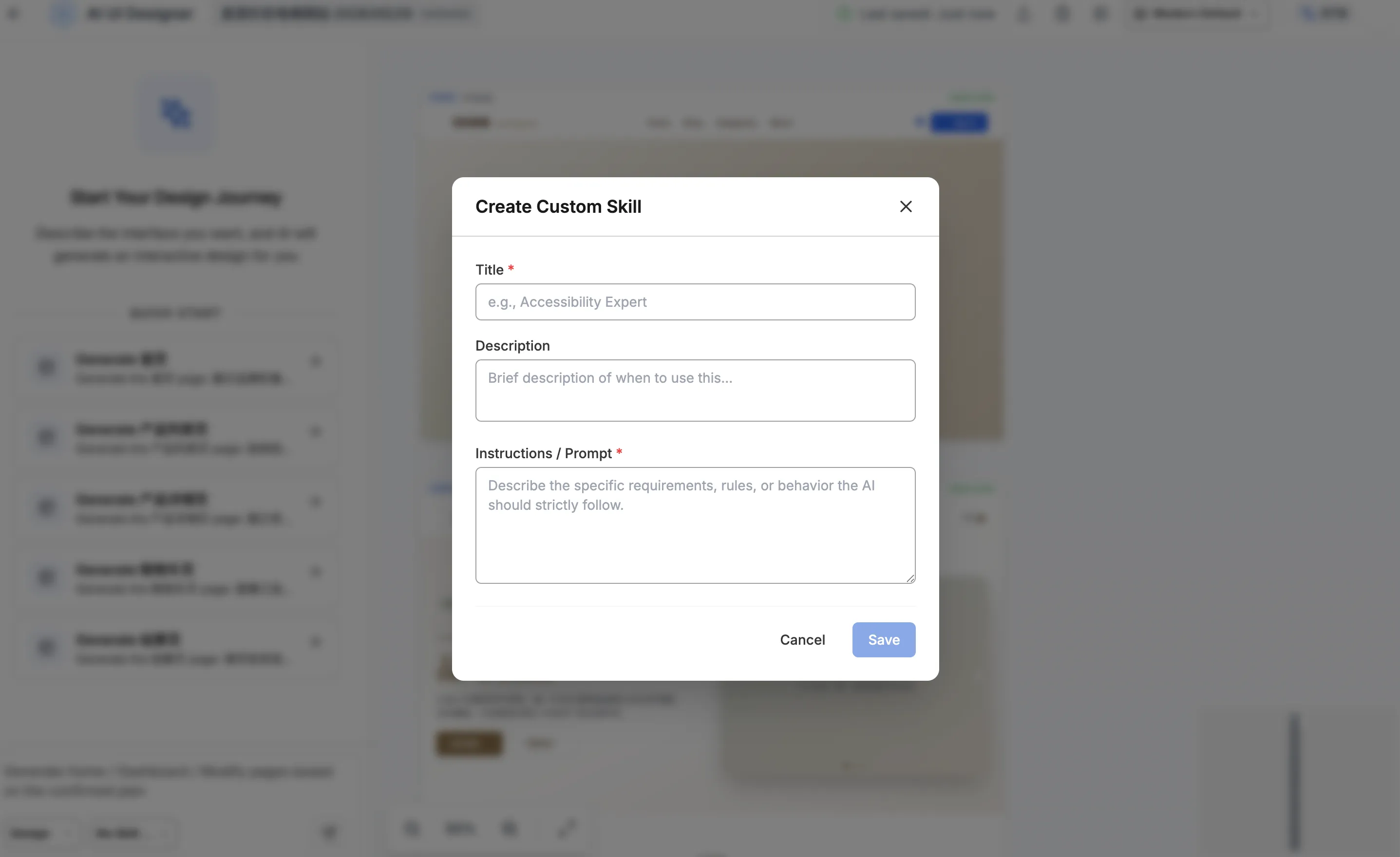
To let the AI Agent design with your own UI design experience, simply create your own skill.
Creating a skill is also straightforward. In the same Skills selector dropdown, you’ll find the “Create Skill” option. Click it, and a popup will appear. Fill in the title, description, and prompt, then click Save. Once created, your skill will appear in the Skills selector.
独立产品人日记
Notes on indie products, AI tools, growth, and engineering.
Related Articles

How to Create an AI Agent-Friendly Project
Four practical ways to make a software project easier for AI agents to understand and modify: structure, naming, directory depth, and project conventions in AGENTS.md.
Codex + Astro: The Best Combo for Creating and Publishing Content
Generate text, images, video, and 3D content with Codex, then publish instantly to the web with Astro. This is the most efficient content creation and publishing workflow for the AI era.
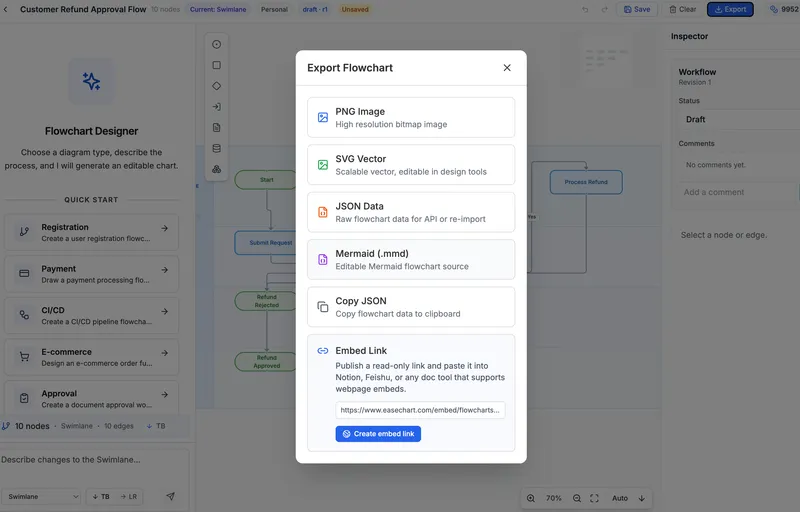
EaseChart: How to Embed AI-Generated Flowcharts into Notion
After creating a flowchart in EaseChart, you can generate an embed link and insert it directly into Notion, Feishu, and other popular online document tools.