
AI UI Designer’s Design Workflow
www.aiuidesigner.com is a design agent primarily used for UI design and prototyping. It now offers two approaches.
One is Vibe Design, which lets AI generate directly. While page-to-page consistency is lower, it’s simple and easy to use — a great choice for quickly generating one or two pages.
The other is the newly launched Design Workflow. It was created to solve the consistency problem when designing a complete set of multi-page websites/apps. With the design workflow, you can step by step generate a full set of UI designs for an entire website, with high consistency across pages.
The basic flow of the design workflow is: Plan → Task → Design.
First, the Plan Agent creates the project plan — from the main pages to the design style. Then tasks are generated, and finally the design phase begins.
How to Use
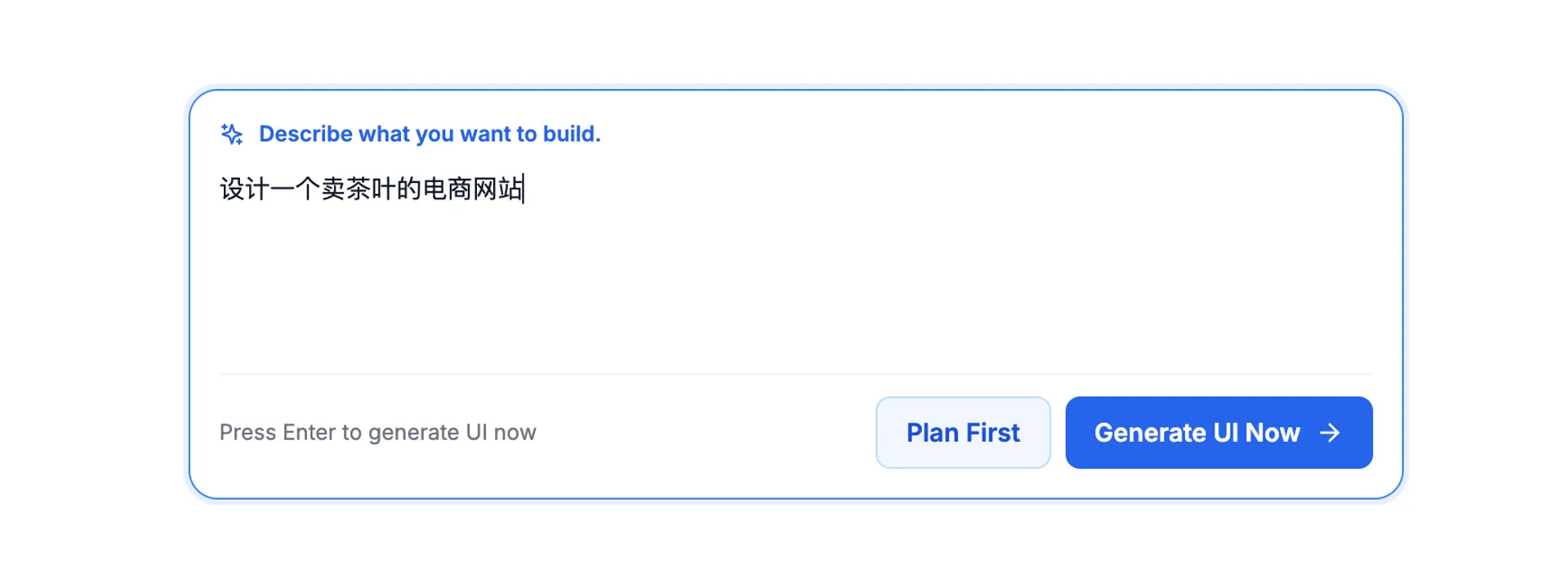
To use the design workflow, simply enter the basic information about the product you want to design in the input box on the homepage, then click “Plan First”.
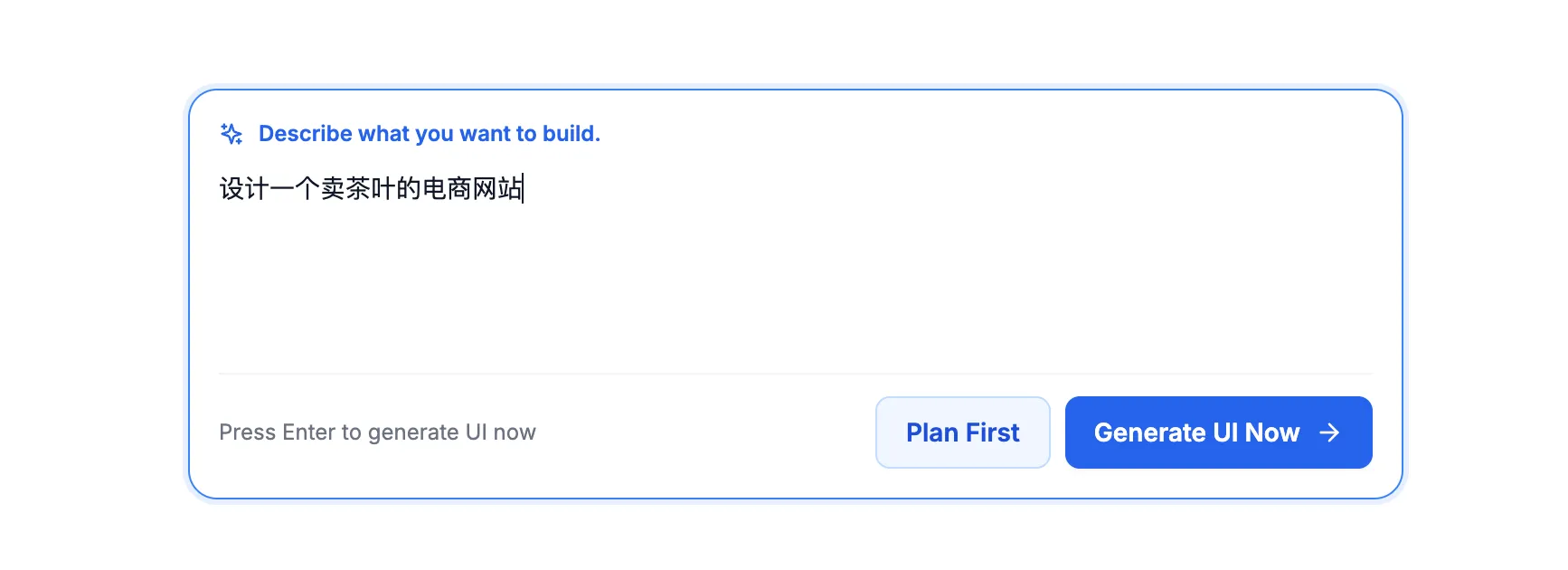
Then, the Plan Agent UI opens and automatically starts planning.
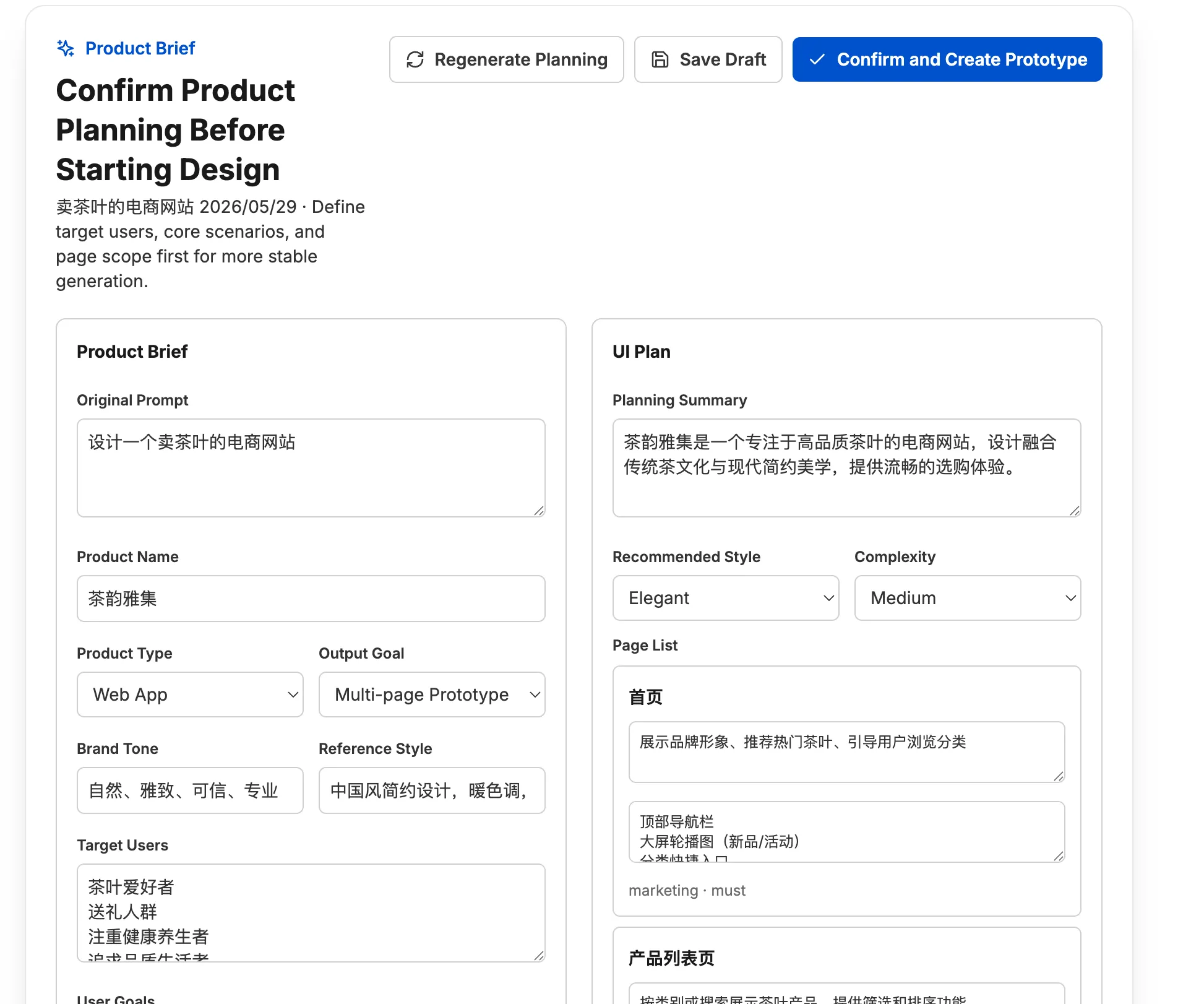
Once the plan is complete, confirm everything looks good and proceed to the next step. If you’re not satisfied with the plan, you can also make manual adjustments.
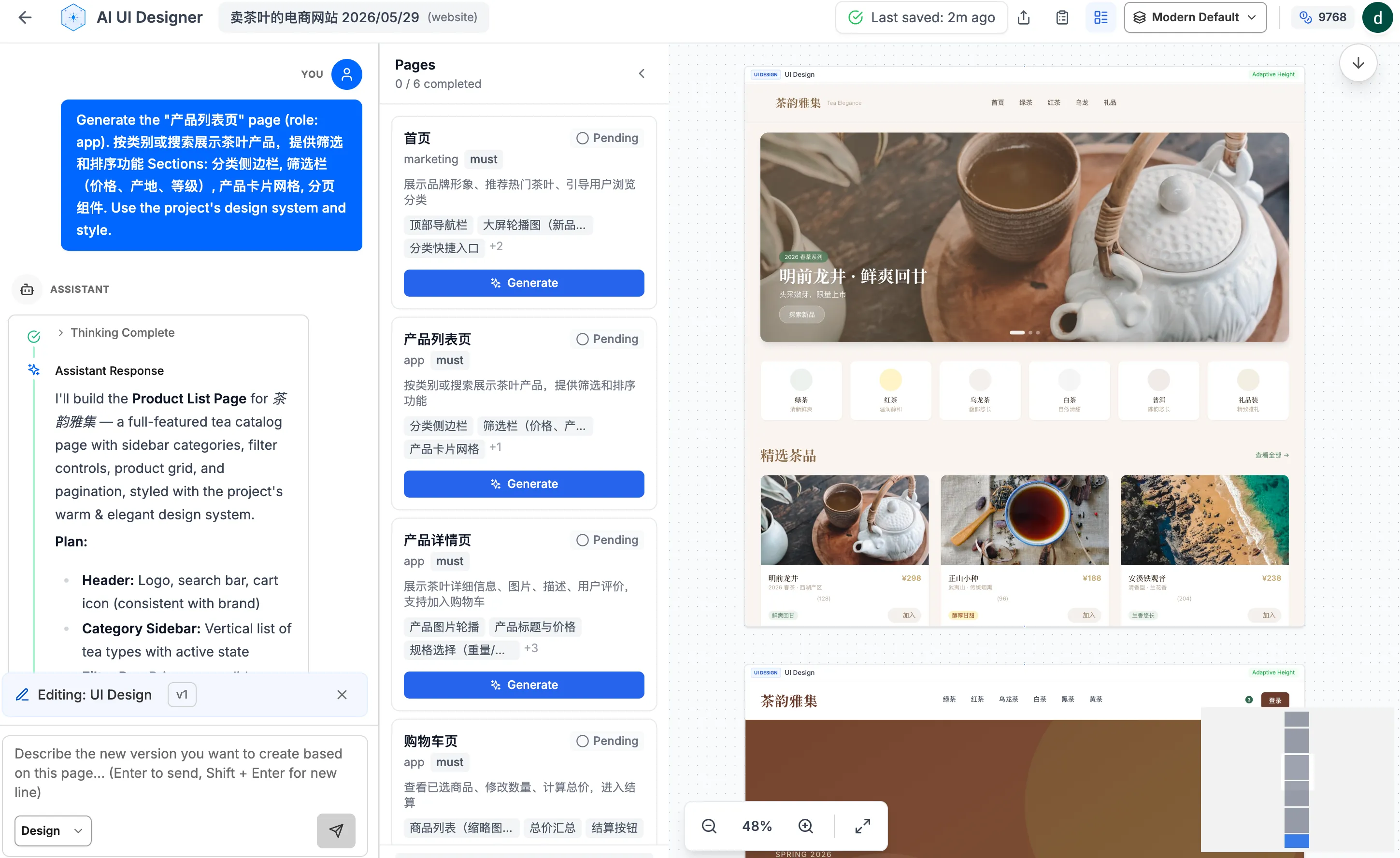
Next, you’ll enter the designer editor, where the task component automatically expands and lists all the pages to be generated. These pages were all defined during the Plan phase.
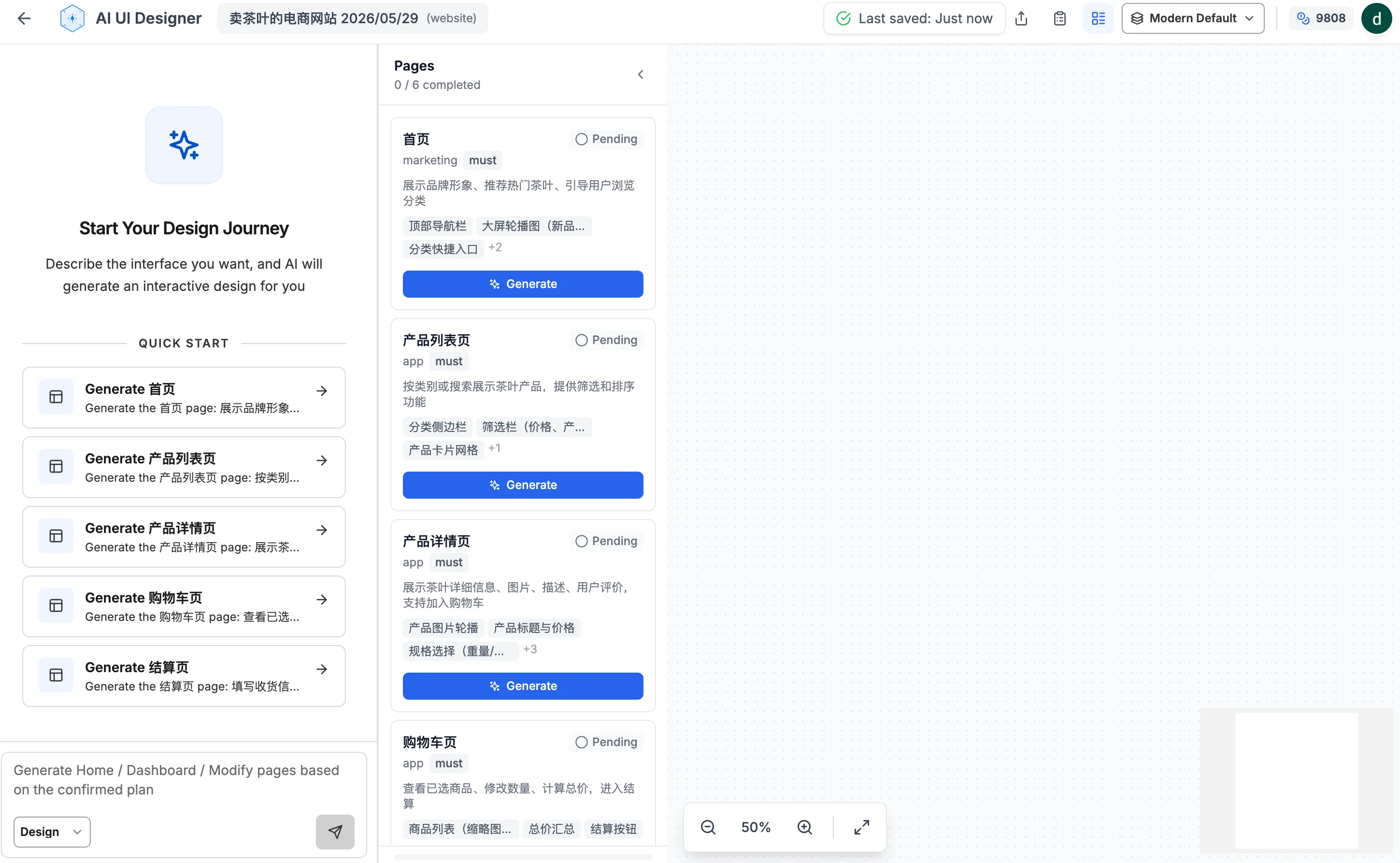
Click the “Generate” button on any page, and the pre-generated prompt for that page will be submitted to the Design Agent, which starts generating the UI.
独立产品人日记
Notes on indie products, AI tools, growth, and engineering.
Related Articles
How to Create an AI Agent-Friendly Project
Four practical ways to make a software project easier for AI agents to understand and modify: structure, naming, directory depth, and project conventions in AGENTS.md.
Codex + Astro: The Best Combo for Creating and Publishing Content
Generate text, images, video, and 3D content with Codex, then publish instantly to the web with Astro. This is the most efficient content creation and publishing workflow for the AI era.
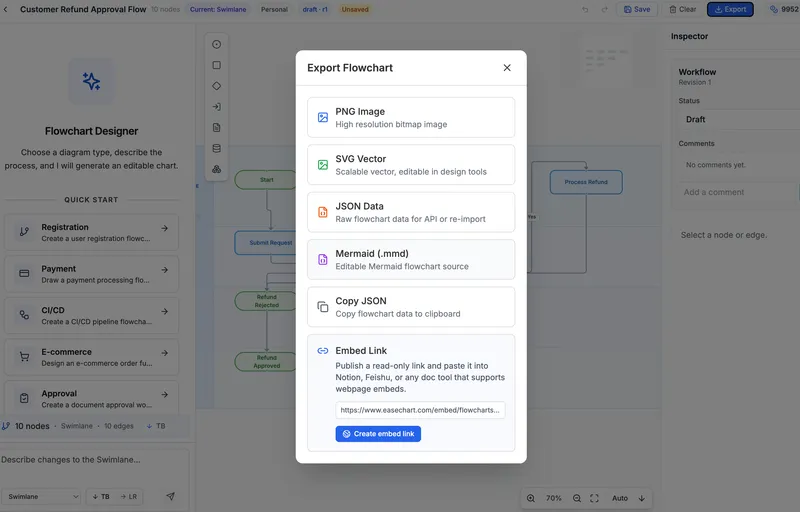
EaseChart: How to Embed AI-Generated Flowcharts into Notion
After creating a flowchart in EaseChart, you can generate an embed link and insert it directly into Notion, Feishu, and other popular online document tools.